
Every change, traceable
Every change becomes part of a visual history. See how your results came together, refine an earlier step, or explore a new direction — all without changing your source data.
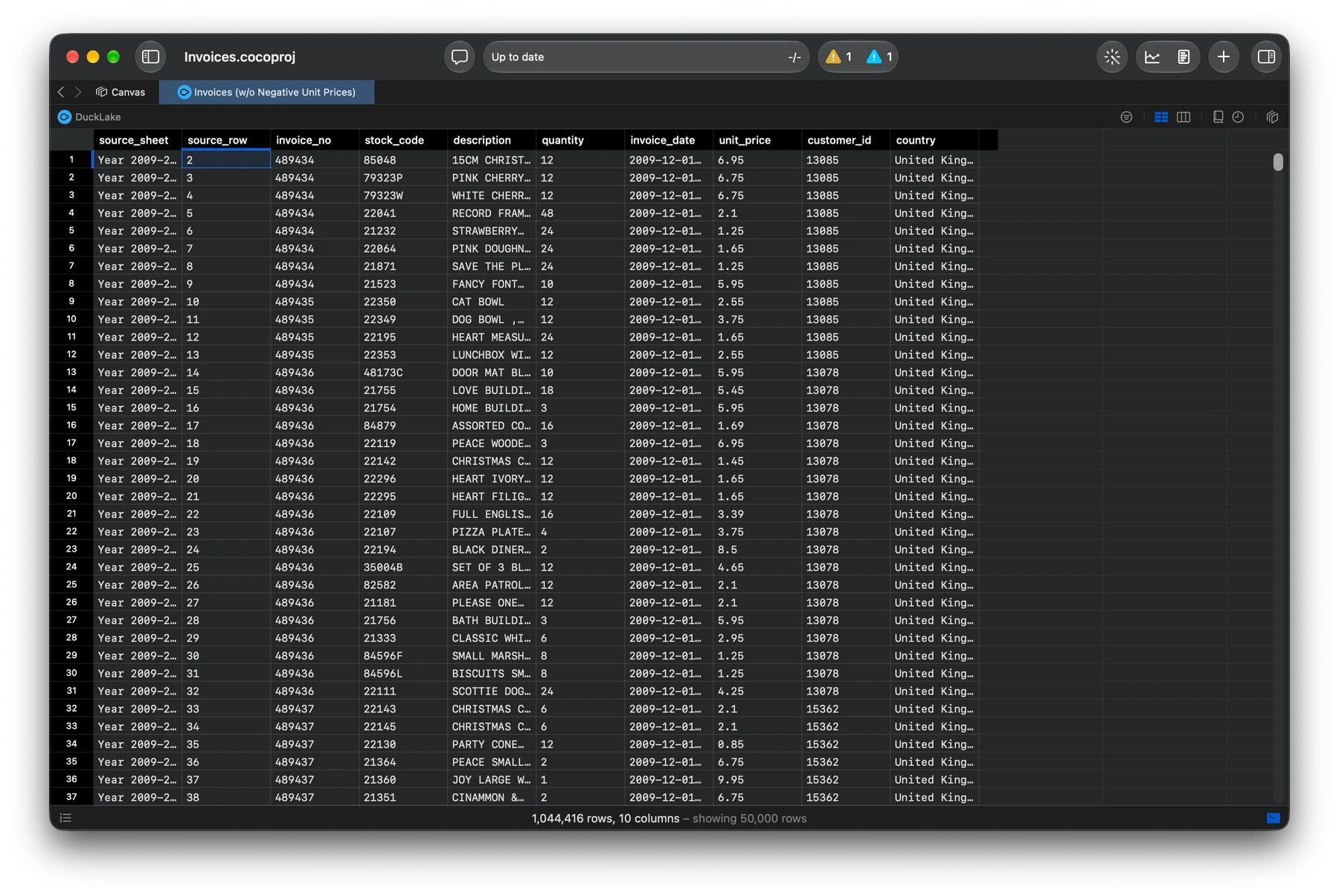
View your history in one click
Coco tracks your changes as you work. Open Change History in one click to see every step in an interactive graph, from your source data to your latest result.
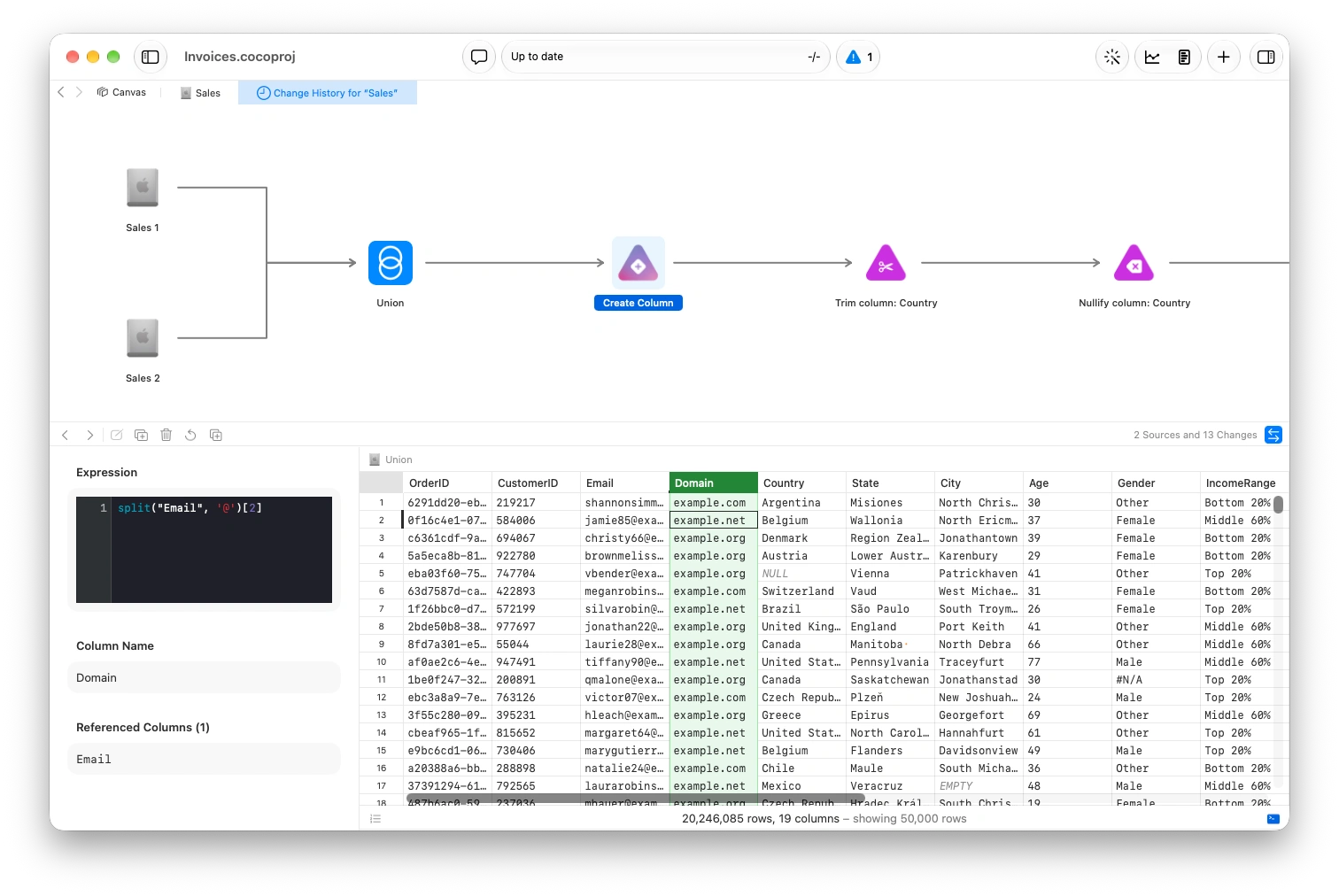
From source to the result, every change tracked.
Edit, delete, or rollback. Anywhere you want
Your history is editable. Remove a change, adjust an existing step, or add a new one where it belongs in your analysis.
Edit a point in time to modify or insert changes.
Delete a previous change that you no longer need, or want
Rollback the entire dataset to a point in time. Useful in the case that you make several changes you want to undo at once

Branch off at any point in time
Start a separate analysis from an earlier state. Drag a change node onto a new tab to create a copy at that point, ready to explore in a new direction.
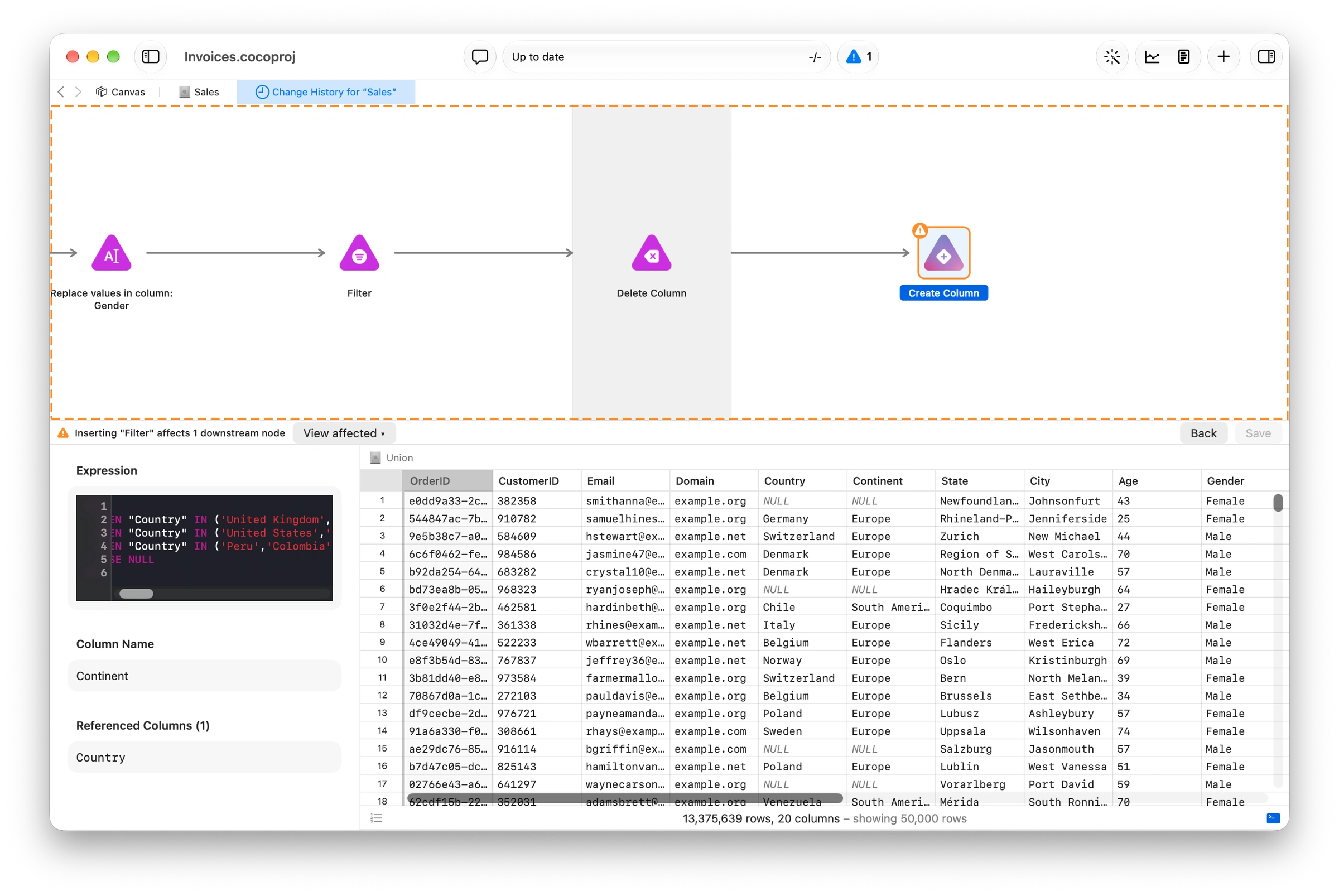
Carefully edit without affecting downstream
Refine an earlier step with the rest of your analysis in mind. Coco automatically checks downstream changes to help you make edits without disrupting the work that follows.
Answers, informed by your changes
Get correct answers informed by your changes. Conversational Intelligence will use your change history automatically.