Data work that finally feels effortless
Coco Alemana is a native data editor for the whole loop. Clean, manipulate, explore, visualize and share — all in one app that moves at the speed of thought.
Coco Alemana is a native data editor for the whole loop. Clean, manipulate, explore, visualize and share — all in one app that moves at the speed of thought.
Powerful tools for complex tasks
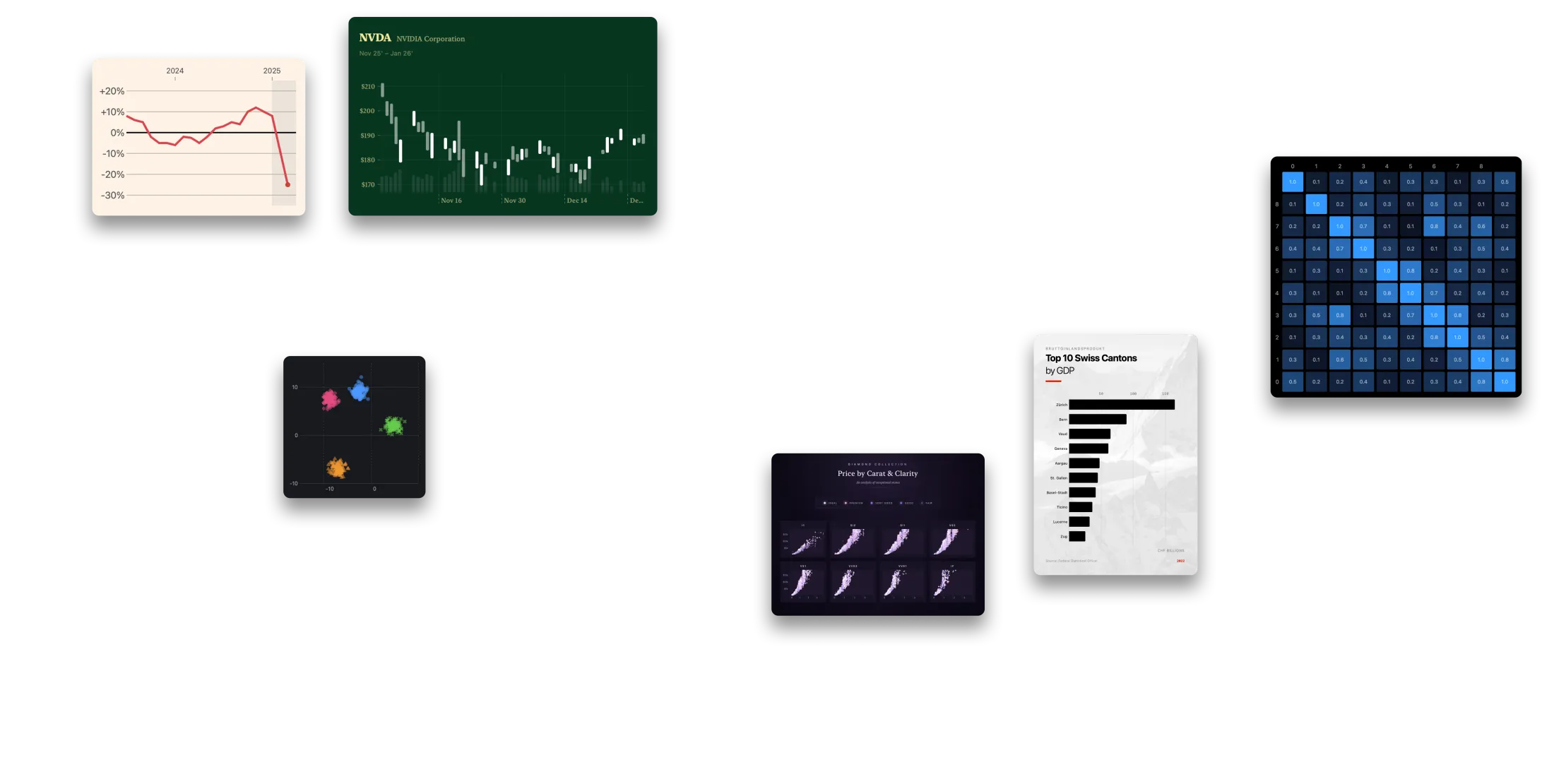
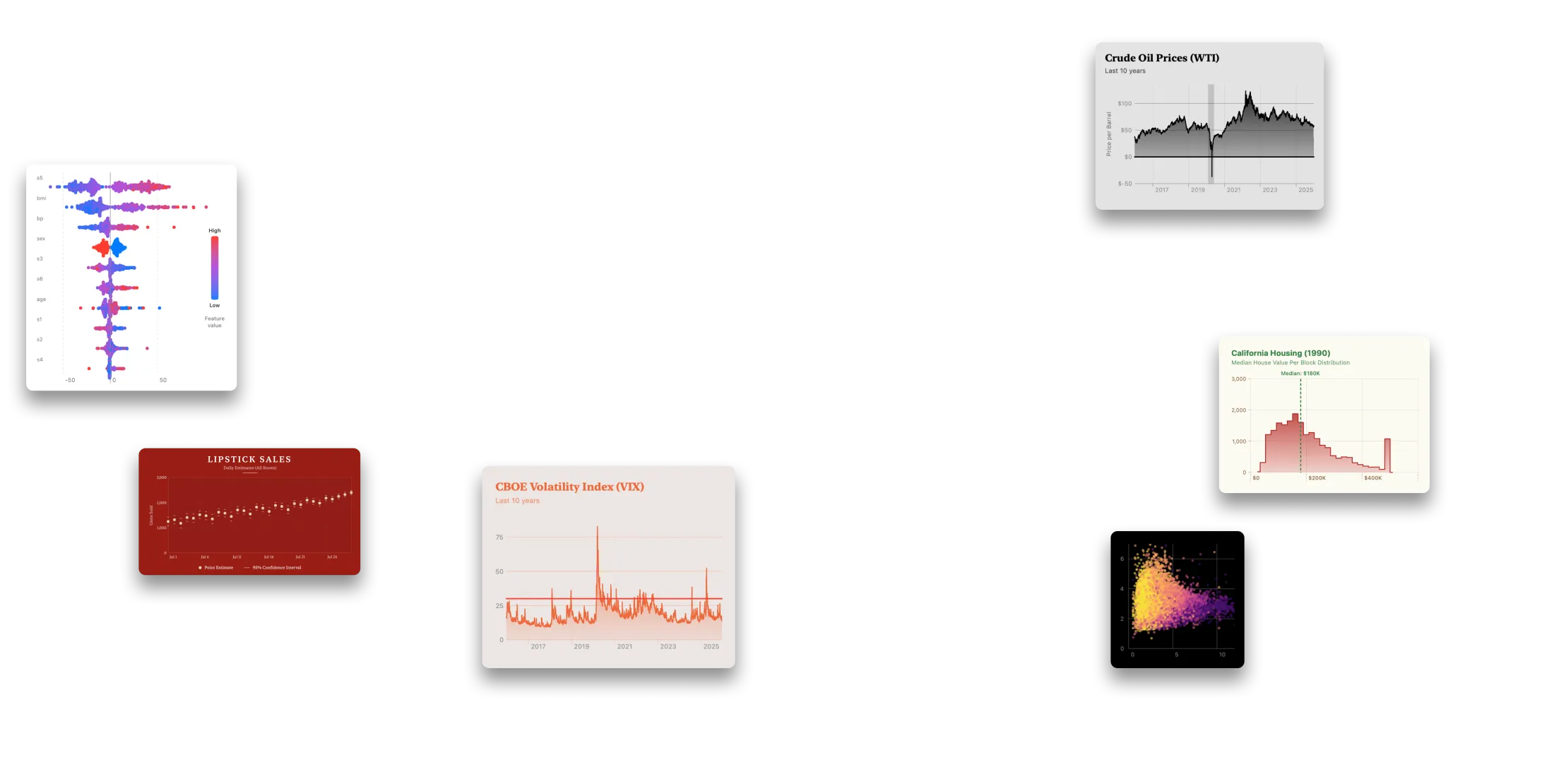
Coco Alemana comes with a set of powerful tools to help your explore complex datasets with ease. Easy filters, auto-updating distributions, a hybrid SQL interface, extensive charts, an infinite canvas, support for complex formats, data quality system, and much more...
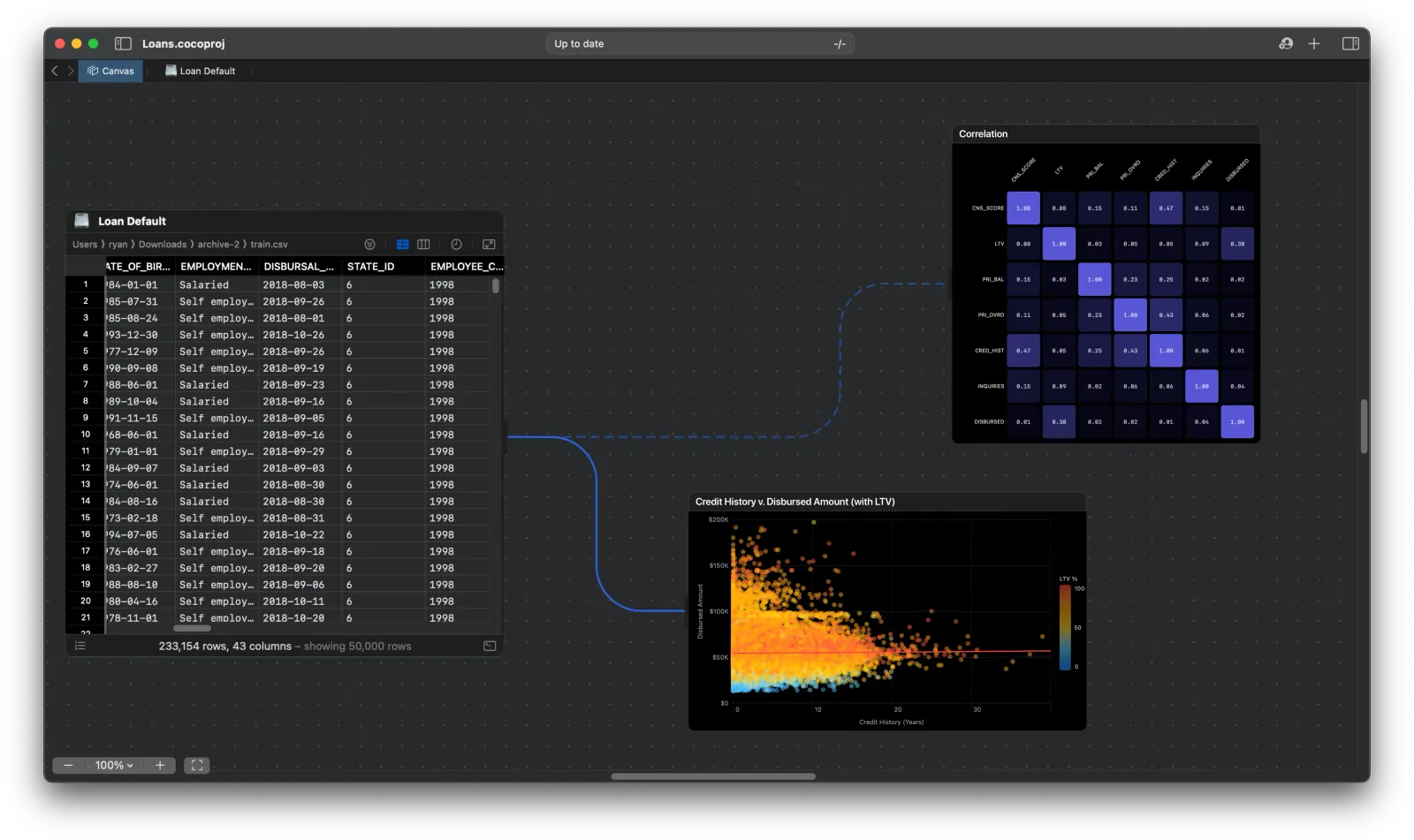
Clean & edit data in any way you want.
In Coco Alemana, you're able to edit your data in the way you've always wanted. Edit visually, through SQL, or like Excel.
See common data errors instantly
Automatically receive warnings about common data quality issues, and other suggestions.

Profile data automagically.
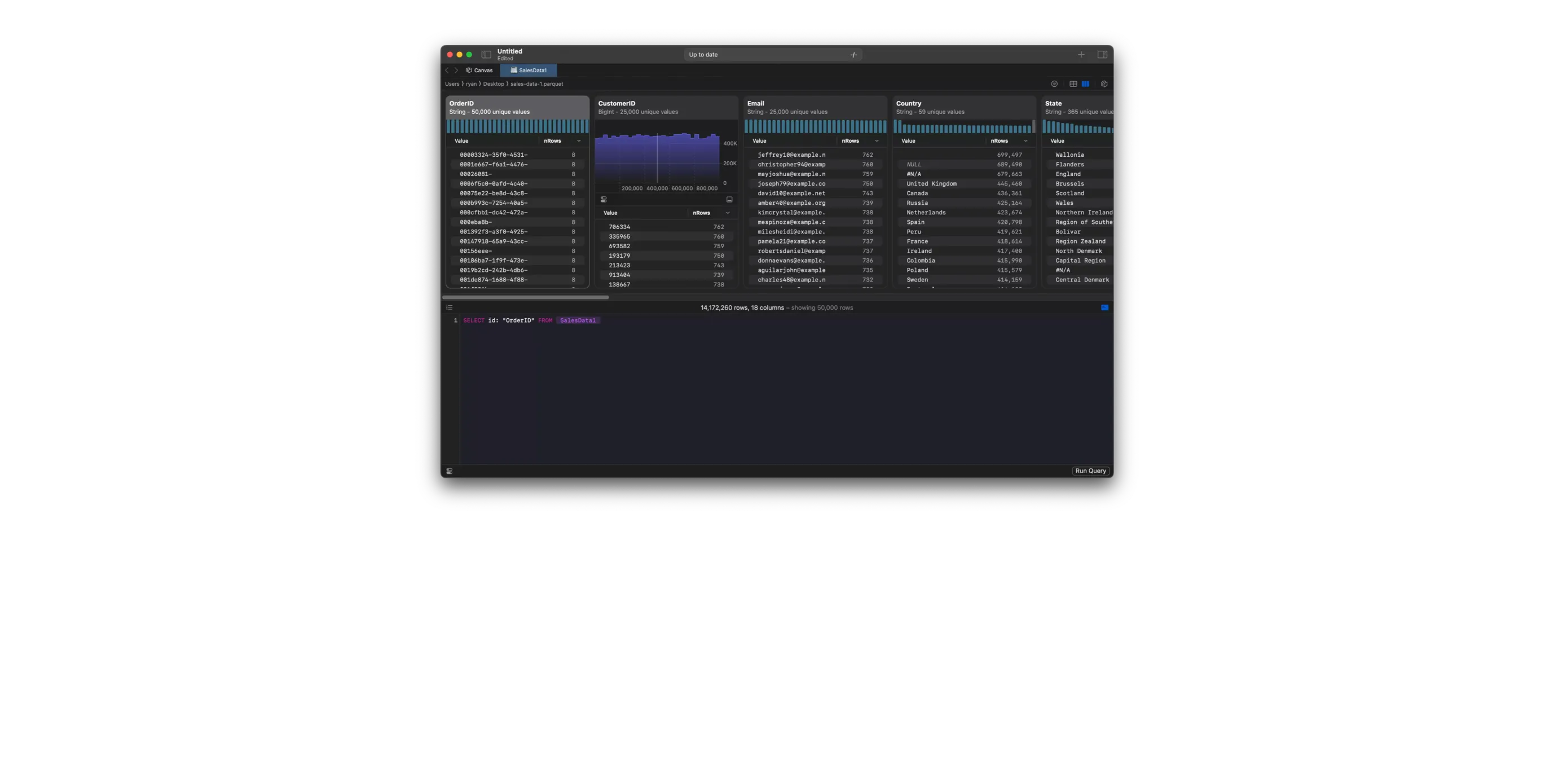
Many of the most important discoveries happen for you automatically, and auto-update each time you make a change.
A true hybrid interface.
Coco Alemana is the first true hybrid interface for data. Combine visual changes with SQL queries, for the best of both worlds with zero compromises.
Edit columns by renaming, re-ordering just by clicking and dragging. No waiting for processing, or cell execution.
One dialect to rule them all. CocoSQL.
Use the same SQL dialect to interact with local files, Amazon Athena, BigQuery, ClickHouse, Snowflake, or MotherDuck and more – all without rewriting your queries. CocoSQL is a SELECT statement layer based on DuckDB's SQL dialect which allows for full-predicate pushdown for remote data sources.
Dialect-Specific Editor
Use our build-in editor with extensive auto-complete and built in documentation to write CocoSQL directly against any source of your choosing. Errors and warnings are built right in, showing you exactly where to look when problems arise.
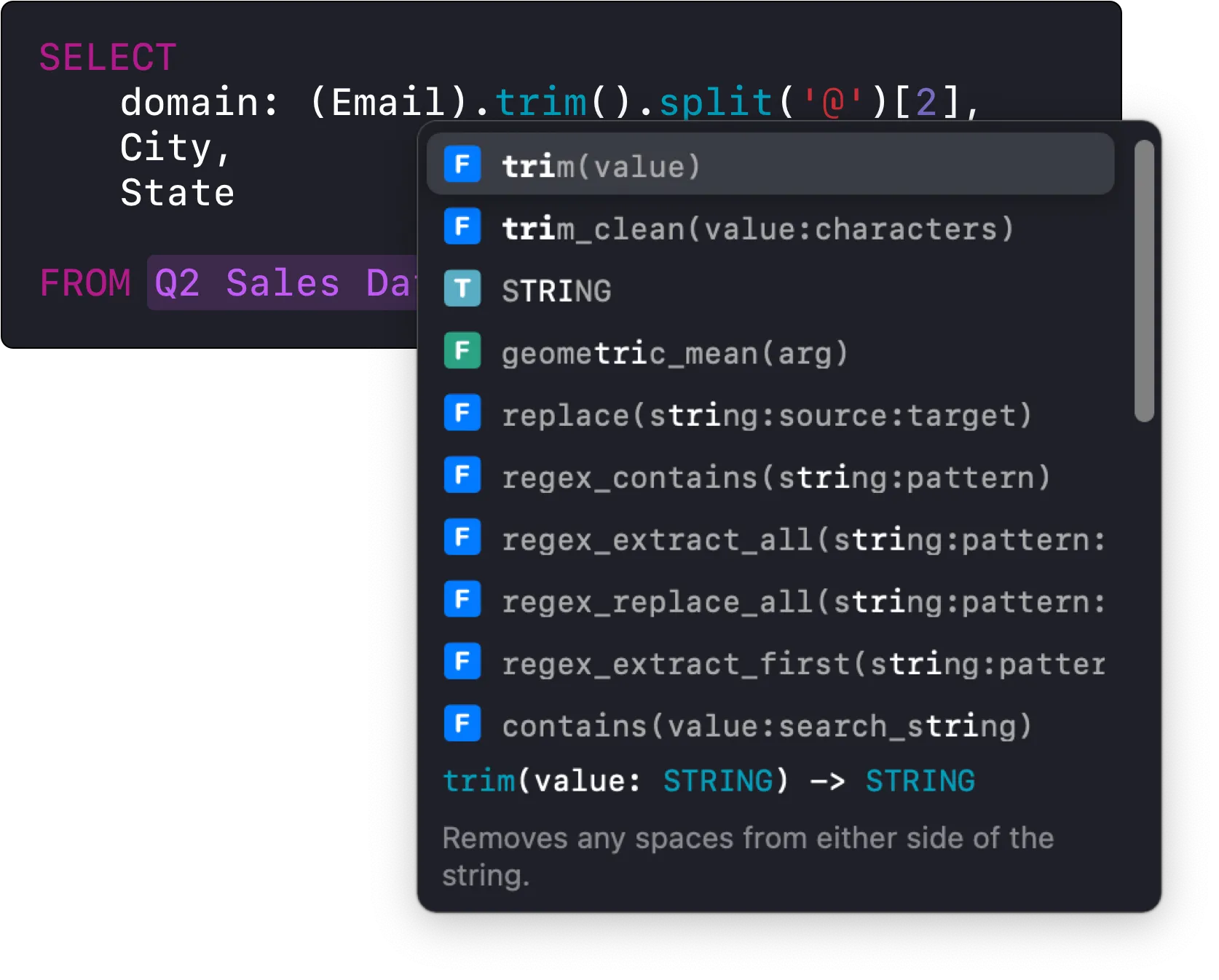
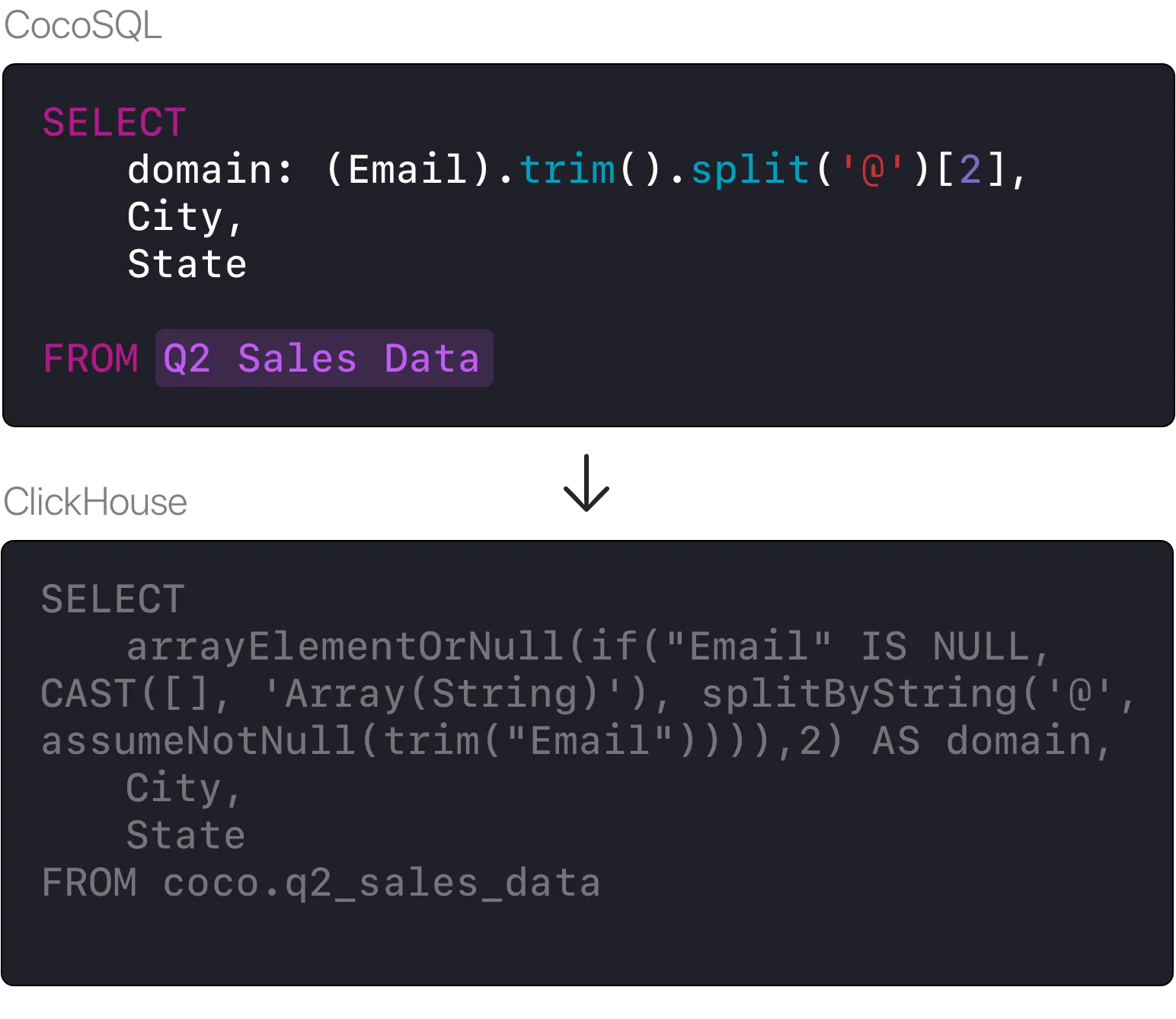
Full Language Translation
CocoSQL automatically translates structure, functions, parameters, types, slicing, ordering, null handling and more into the underlying system dialect. This allows you to run the same query against your local CSV, or a data warehouse with billions of rows, maintaining full performance.
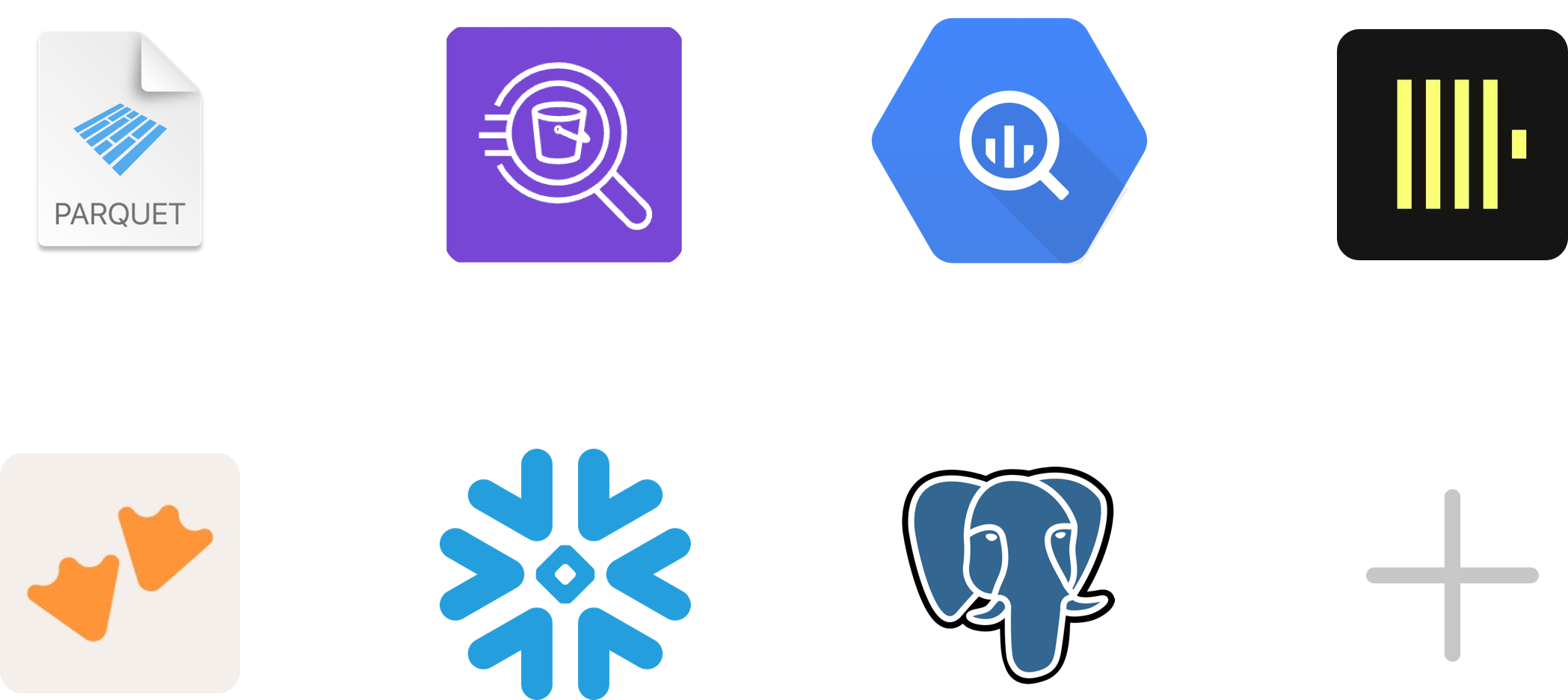
Connect to Native Sources
Access local files like Parquet and CSV, or connect to your data warehouses directly. Navigate remote warehouses, create new tables, and export data directly to your local machine.
New connections added each month.
Move at breakneck speed with no limits.
Every action has been designed to be as fast as possible. Preview complex formats like Parquet directly from Finder, open files instantly via Open Quickly, or load massive datasets with ease. Whether you're working with 500k rows or 500 million, it's the fastest tool you'll use.
Preview any local Parquet file, or Amazon S3 based file directly via Finder. Works out of the box with any size too. Whether your working with 5 KB locally, or 3 TB in S3, just hit space to get an idea of what your data looks like.

Auto-optimized for maximum performance
All datasets are optimized for maximum performance, and are constantly re-optimizing in the background to give you the absolute fastest quickest feedback possible.

KBs or GBs, the sky is the limit.
No matter the size of dataset, whether local or remote, Coco Alemana can handle it with ease. We've even tested with up to 1.2 billion records on a laptop.

Shortcuts galore.
Keyboard shortcuts are at the core of our design, allowing you to do common actions instantly. Whether you're performing a simple undo, or whipping around your dataset, almost anything can be done via shortcuts.

Multi-threaded, multi-core by default.
No need to wait for cells to complete, or tasks to finish before making another change. Coco Alemana handles all processing in the background, on all available cores, allowing you to work in a non-blocking way.
Real-time, nondestructive, interactive changes.
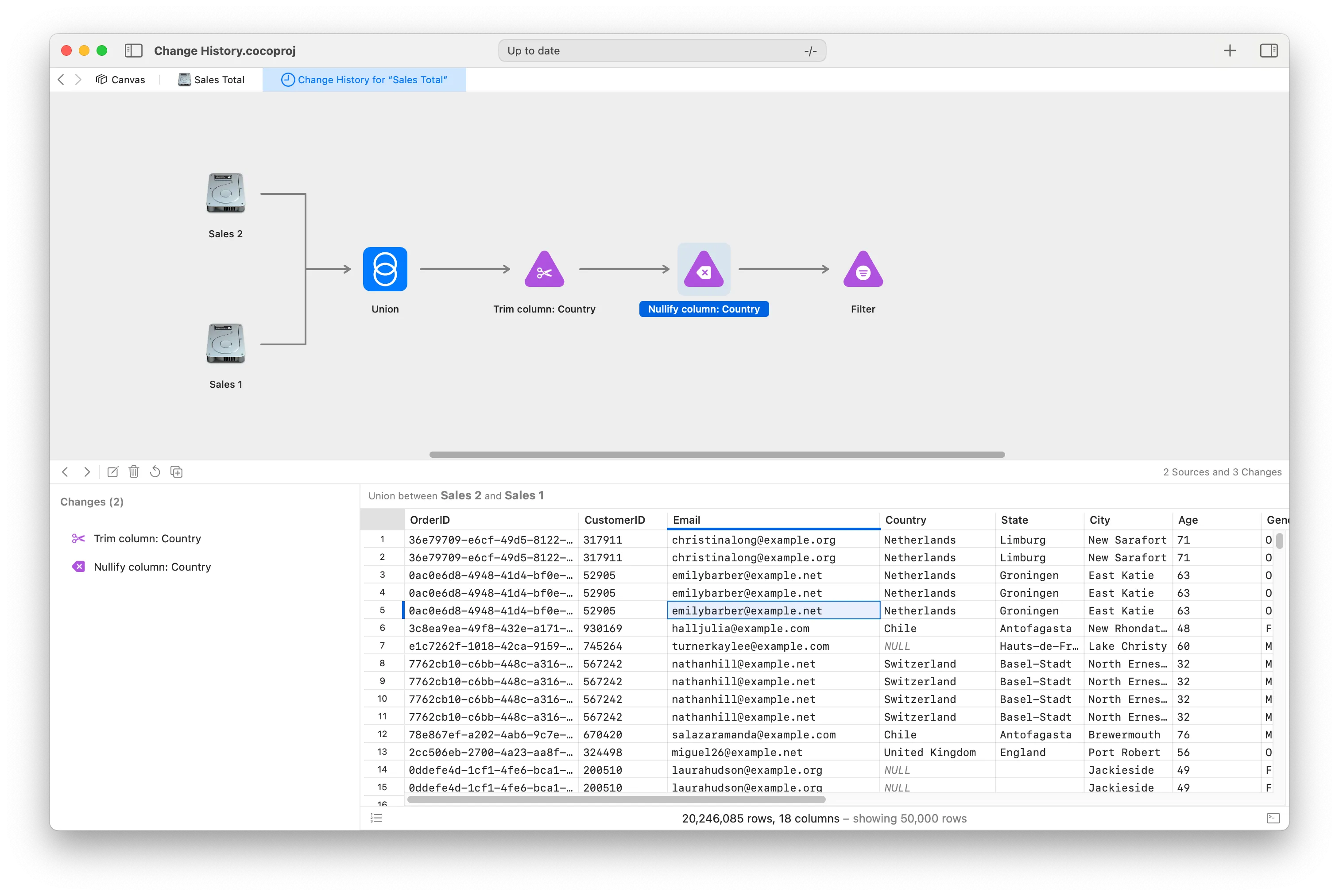
Coco Alemana lets you make real-time changes to your data without affecting the underlying source. An extensive, automatic change tracker keeps track of everything you do. All changes can be visualized in an interactive graph, giving you full control. Whether you forgot what changes you made, or reviewing a colleague's work, we've got you covered.

Edit the past to perfect the future.
Modify your existing changes to fix issues, or expand your analysis without having to redo from scratch. Automatic checks run to ensure that downstream changes remain unaffected.

Visuals at your fingertips.
One click is all you need to see the entire history of changes for your frame. Separated by type, and with the exact details of each change. No installation, complex setup, or separate service required.

Rollback to any point in time.
Make a mistake? Rollback your changes to any point in time, or hit Cmd-Z to undo.

Create separate timelines in an instant.
Create a new copy of your data at any point in time. Just drag the changed node onto a new tab to start from that point. Perfect for parallel analyses, or quick modifications without re-doing work.
Amazon S3 integrated with the OS
Coco Alemana has been designed to be deeply integrated with your operating system, including connecting cloud storage like Amazon S3 directly to the OS.
A dedicated folder in Finder for all your S3 buckets. Move files around via the Finder. Work with files offline. Network changes, change sync, and storage space are all handled by macOS – automatically.
Coming Soon
Share with colleagues, clients, professors, or the public.
Package and share your projects with anyone.
Share with one-click.
Make your projects, data, and graphs available to anyone—instantly. Send a link, share the project file, or let colleagues open it directly in the app. However they access it, the experience is the same: fast, and seamless.
Pay for creation, not distribution.
Your license gives you everything you need to edit, analyze and build. Sharing gives your audience everything they need to view—completely free. Send a project to a colleague, a client, or a hundred collaborators. Each one opens it by downloading the app, with no purchase required.
Never miss a thing.
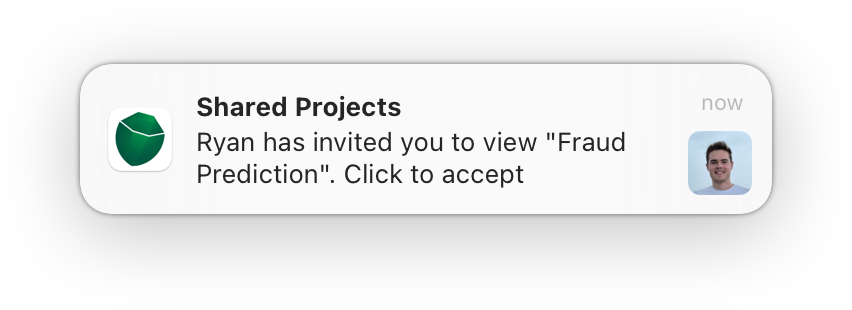
Get real-time notifications when shared files are opened, edited, or updated. Whether you're waiting on feedback or collaborating across teams, you'll always know what's happening—the moment it happens.
An experience you'll love.
We aim to create an "it just works" feeling every time you use Coco Alemana.
No Dependencies
No pip install, managing virtual environments, or setting up Jupyter notebook servers.
No Data Migration
Install locally in seconds. Access data from both remote and local storage. Keep your data where it is.
Simple Installation
Install just like any other application. No terminal. No hassle.